AWS Api Gateway Authorizer Cognito User Pool Not Working message Unauthorized
System Design practice on Codemia
Work through 120+ system design problems with detailed solutions, from rate limiters to multi-region storage.
AWS API Gateway and Amazon Cognito are powerful services that allow developers to build secure and scalable APIs. One common setup involves using API Gateway in conjunction with Cognito User Pools to secure your endpoints. However, developers often encounter an issue where calling a secured API results in an \{"message": "Unauthorized"\}
response. In this article, we delve into the details of this problem and explore potential solutions.
Understanding API Gateway and Cognito User Pools
Before diving into the issues and their resolutions, it's crucial to understand the roles of AWS API Gateway and Cognito User Pools in this setup:
- API Gateway: A fully managed service that allows developers to create, publish, maintain, monitor, and secure APIs at any scale.
- Cognito User Pools: A user directory that manages sign-up, sign-in, and access control for web and mobile apps.
When integrating these two services, developers often use Cognito User Pools to manage authentication while the API Gateway handles authorization through an Authorizer configured to validate incoming tokens against the User Pool.
Common Causes of Unauthorized Errors
Several factors can cause the \{"message": "Unauthorized"\}
error:
- Invalid Token: The access token attached to the API request might be invalid or expired.
- Incorrect Authorizer Configuration: The authorizer in API Gateway may not be configured correctly to validate tokens against the Cognito User Pool.
- Misconfigured User Pool: Errors in the User Pool configuration, such as incorrect domain names or client IDs.
- CORS Issues: Cross-Origin Resource Sharing (CORS) settings might be incorrectly configured, causing the request to not complete successfully.
- Insufficient API Permissions: The recognized user may not have the necessary permissions to access the API endpoints.
Troubleshooting Steps
Validate the Access Token
Ensure the token is correctly obtained. Use tools like AWS SDKs or libraries such as amazon-cognito-identity-js
for retrieving valid tokens. Use AWS's JWT Decoder to inspect token claims:
Related reading
- AWS API Gateway error API Gateway does not have permission to assume the provided role as S3 proxy
- AWS API Gateway Execution failed due to configuration error No match for output mapping and no default output mapping configured
- aws api gateway lambda multiple endpoint/functions vs single endpoint
- AWS API Gateway limit requests from a single IP
- AWS API Gateway No 'Access-Control-Allow-Origin' header is present
- AWS API Gateway OPTIONS requests returns 500 error
- AWS API Gateway User anonymous is not authorized to execute API
- AWS AssumeRole - User is not authorized to perform stsAssumeRole on resource
System design interview problems on this topic
- Design Dropbox: solution and walkthrough
- Design a Global Content Distribution Network: solution and walkthrough
- Design a Serverless Architecture Framework: solution and walkthrough
- Design Youtube or Netflix: solution and walkthrough
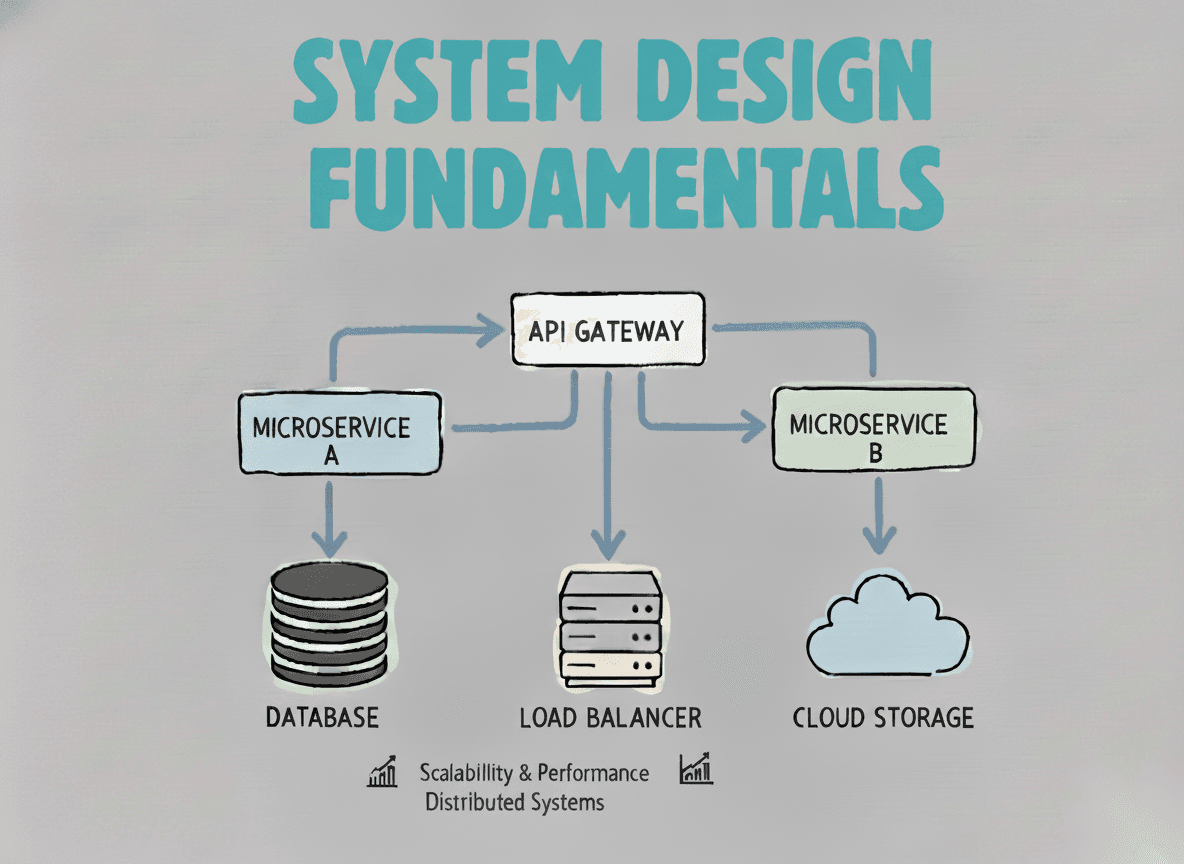
System Design Fundamentals
Build a strong foundation in designing scalable, reliable distributed systems.
View the courseSystem Design practice on Codemia
Work through 120+ system design problems with detailed solutions, from rate limiters to multi-region storage.