Has this usage of async / await in C been discovered before?
Interview Questions practice on Codemia
Over 8,000 real interview questions from top companies, searchable by company and role.
Introduction
Many unusual async/await patterns in C# look novel but are often variations of known continuation and context behaviors. The practical question is not whether a pattern is new, but whether it preserves correctness, avoids deadlocks, and remains understandable for maintainers.
Short Q and A snippets can solve immediate errors but still leave reliability gaps in production. A stronger article should define assumptions, clarify boundaries, and explain how to validate behavior under realistic inputs and operational constraints.
Before implementation, align on versions, runtime environment, and ownership of related configuration. Many recurring bugs come from hidden environment differences, not from syntax alone.
Core Sections
1. Build a minimal correct baseline
Keep async methods async end-to-end. Return Task or Task<T>, await true asynchronous operations, and avoid blocking waits in most application code.
A minimal baseline makes correctness obvious and gives you a stable reference during refactoring. Keep early logic small, then verify one normal case and one edge case before adding abstractions.
2. Harden for real-world usage
When library code does not need caller context, ConfigureAwait(false) reduces context-capture overhead and avoids some synchronization issues in legacy environments.
Hardening usually means explicit validation, clear error paths, and predictable resource lifecycle behavior. For distributed systems, include timeout, retry, and cancellation boundaries so failures remain controlled.
3. Validate and operate safely
Assess patterns by behavior under cancellation, error propagation, and concurrency pressure. A concise but obscure expression is not an improvement if teammates cannot reason about it during outages.
Add lightweight observability near critical paths: structured logs for decisions, metrics for failure classes, and startup checks for required dependencies. These signals reduce time-to-diagnosis during incidents.
Also define rollback behavior before release. Even correct code can fail under unexpected data, dependency updates, or environment drift. A documented fallback plan reduces operational risk and supports faster iteration.
For team workflows, keep runnable verification commands close to implementation and include representative test data. Reproducible validation prevents regressions from recurring silently.
Implementation quality also depends on how well teams can operate and evolve the solution after initial delivery. Add a compact regression suite that covers expected inputs, edge conditions, and at least one failure-path assertion. Those tests should run quickly in CI so contributors can verify behavior after dependency upgrades or refactoring without relying on manual spot checks.
Operational diagnostics should be intentional rather than verbose. Log only the decision points that matter for debugging, include identifiers needed to trace a request or job, and track a few metrics tied to user impact, such as latency percentiles, error categories, and saturation signals. This keeps telemetry actionable and avoids noise that hides real incidents.
Deployment safety is the final layer. Document a rollback path, fallback mode, or feature toggle strategy before release. Even correct logic can fail under unexpected runtime conditions, data anomalies, or infrastructure changes. Teams that prepare recovery steps in advance reduce mean time to restore service and can iterate with much higher confidence.
Common Pitfalls
- Mixing
awaitwith.Resultor.Wait()on context-bound threads. - Assuming asynchronous syntax always means concurrent execution.
- Using fire-and-forget tasks without exception observation strategy.
- Applying
ConfigureAwait(false)blindly in UI-layer code. - Prioritizing clever patterns over readable control flow.
Summary
Focus on proven async correctness patterns in C#: end-to-end async flow, explicit cancellation, and readable error handling. Novel syntax should not come at the cost of reliability. Pair implementation detail with explicit validation and operational readiness so behavior remains dependable as systems evolve.
Related reading
- Haskell equivalent of C 5 async/await
- hold a lock until all goroutines finishes
- Hooked events Outlook VSTO continuing job on main Thread
- Horrible performance using SqlCommand Async methods with large data
- `Hash` Password in C? Bcrypt/PBKDF2
- HashSetT versus DictionaryK, V w.r.t searching time to find if an item exists
- How do I return the response from an asynchronous call?
- How-to run TensorFlow on multiple core and threads
System design interview problems on this topic
- Design a Distributed Locking System: solution and walkthrough
- Design a Distributed Counter: solution and walkthrough
- Design Ticketmaster: solution and walkthrough
- Design a Flash Sale System: solution and walkthrough
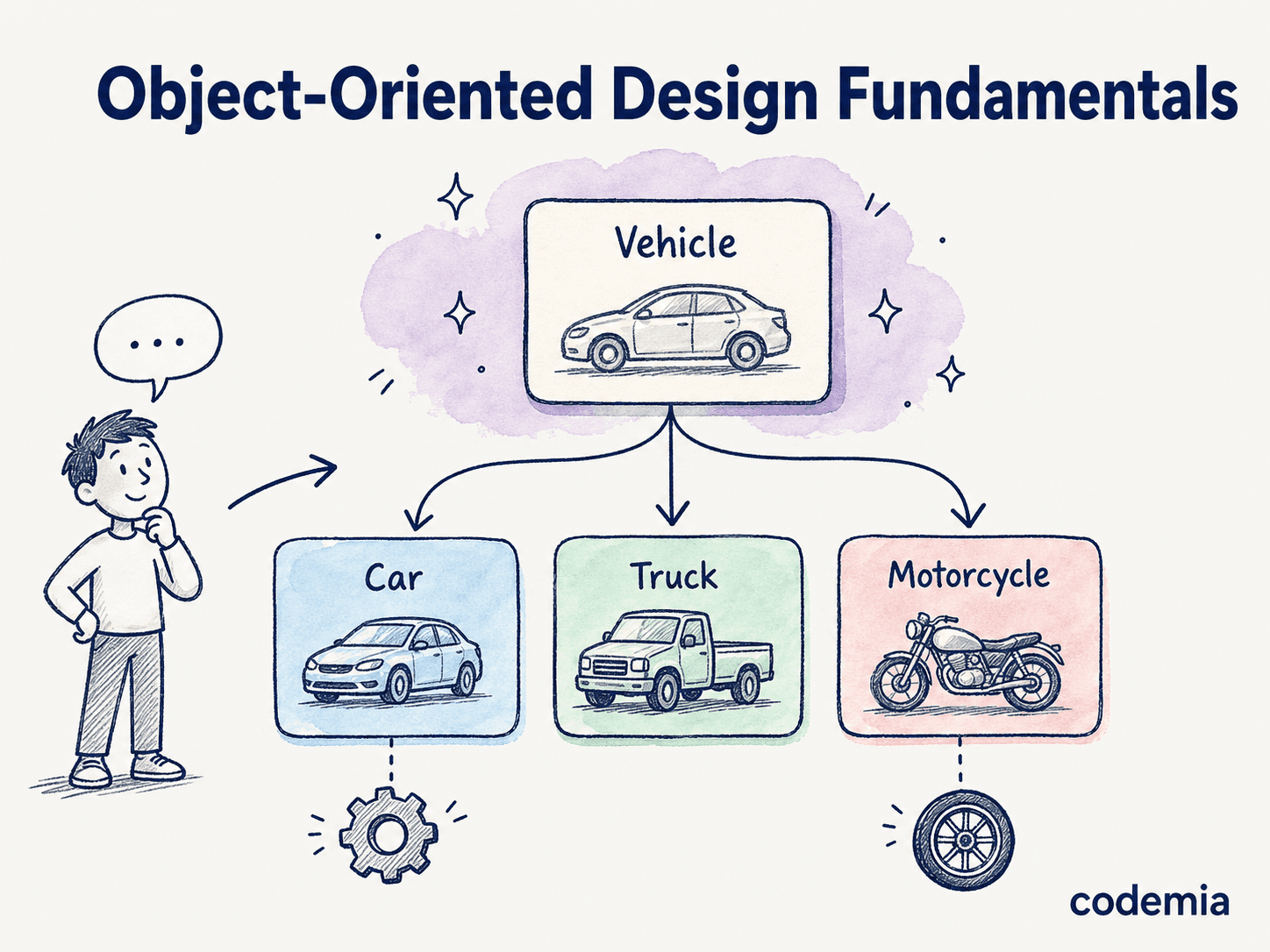
OOD Fundamentals
Master object-oriented design from first principles, SOLID, design patterns, and classic interview problems with hands-on coding.
View the courseInterview Questions practice on Codemia
Over 8,000 real interview questions from top companies, searchable by company and role.