how to get container host machine ip address and container name in EKS
System Design practice on Codemia
Work through 120+ system design problems with detailed solutions, from rate limiters to multi-region storage.
Introduction
In EKS, the information you want may live at different Kubernetes layers. The host machine IP is really node information, while the "container name" is part of the pod spec. Those details are not exposed in exactly the same way.
The easiest in-cluster solution is the Kubernetes downward API for values such as pod name, node name, host IP, and pod IP. Container name is the exception: Kubernetes does not expose it directly through the same downward API field set, so you usually provide it yourself or query the Kubernetes API.
Use the Downward API for Host IP and Pod Metadata
Inside a pod running on EKS, you can inject the node's IP address and the pod name as environment variables:
Once the container starts, your application can read those environment variables like any other configuration values.
For example, in Python:
This is the standard Kubernetes-native approach and works the same on EKS as it does on other clusters.
Container Name Is Different
The confusing part is container name. Kubernetes exposes pod metadata and selected status fields through the downward API, but not the current container name as a simple built-in fieldRef value.
That means these common assumptions are wrong:
- '
HOSTNAMEis not the container name; it is normally the pod hostname' - '
status.hostIPis the node IP, not the pod IP' - the downward API does not have a standard
fieldPathfor container name
If your application needs its container name, the simplest solution is to set it explicitly in the pod spec:
This is manual duplication, but it is explicit and reliable.
Querying Kubernetes for More Details
If you need richer metadata, you can query the Kubernetes API or use kubectl from outside the cluster.
From your workstation:
That command can print:
- the node name
- the host IP
- the list of container names defined in the pod
From inside the pod, an application with appropriate RBAC permissions can call the Kubernetes API using its service account token and look up its own pod definition by POD_NAME.
When You Only Need the Node IP
If the actual goal is "what machine is this pod running on," status.hostIP is usually enough. You do not need hostNetwork: true, and you do not need Docker-specific tricks. In Kubernetes, the scheduler already knows which node hosts the pod, and the downward API exposes that information cleanly.
This is especially important on EKS because the node is an EC2 worker or managed node underneath, but your application should usually think in Kubernetes terms first, not Docker terms.
Common Pitfalls
- Confusing pod IP with host IP. They are not the same address.
- Expecting the container name to be available through the same downward API fields as pod metadata.
- Reading
HOSTNAMEand assuming it is the container name. - Adding Docker-specific assumptions in EKS. Kubernetes abstractions are the source of truth here.
- Querying the Kubernetes API from inside the pod without giving the service account the RBAC permissions it needs.
Summary
- Use the downward API to get
status.hostIP,status.podIP,metadata.name, andspec.nodeName. - In EKS, the host machine IP you want is usually
status.hostIP. - Container name is not exposed as a standard downward API field, so set it manually or query the pod spec through the Kubernetes API.
- Do not confuse
HOSTNAME, pod IP, and node IP; they represent different things. - For most debugging and telemetry use cases, pod name plus host IP is enough to identify where the workload is running.
Related reading
- How to get current date in Helm
- How to get current namespace from running pod usin client api
- How to Get Current Pod in Kubernetes Java Application
- how to get hold of the azure kubernetes cluster outbound ip address
- How to get docker-compose to always re-create containers from fresh images?
- how to get docker-compose to use the latest image from repository
- how to get data from dynamodb using rest api
- how to get DNS server in c-ares
System design interview problems on this topic
- Design a Container Orchestration System: solution and walkthrough
- Design a Code Deployment System: solution and walkthrough
- Design a Task Scheduler: solution and walkthrough
- Design a GPU Cluster Scheduler for ML Training: solution and walkthrough
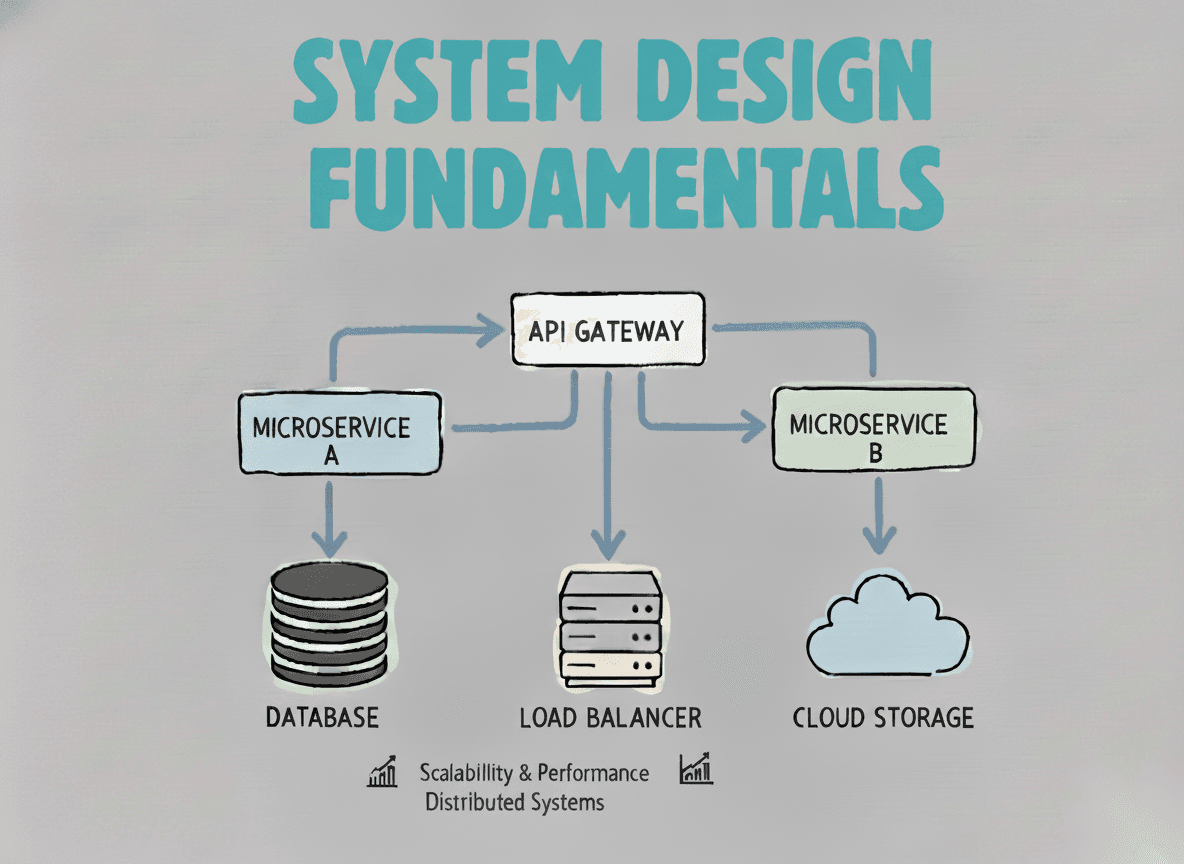
System Design Fundamentals
Build a strong foundation in designing scalable, reliable distributed systems.
View the courseSystem Design practice on Codemia
Work through 120+ system design problems with detailed solutions, from rate limiters to multi-region storage.