HTCONDORkubernetes / k8s Unable to start minicondor image within k8s - condor_master not working
System Design practice on Codemia
Work through 120+ system design problems with detailed solutions, from rate limiters to multi-region storage.
Introduction
HTCondor is a specialized workload management system well-suited for computationally intensive tasks. It allows for the efficient harnessing of the power of clusters to perform parallel computations. Kubernetes (k8s), on the other hand, is an orchestration platform for automating the deployment, scaling, and management of containerized applications. When combining HTCondor with Kubernetes, one can harness the power of both to manage distributed computing workflows in containerized environments effectively. However, there are challenging aspects when integrating these technologies. One common issue is the inability to start the minicondor image within k8s, attributable to the condor_master
not functioning correctly. This article delves into the technical specifics of this predicament and provides solutions and best practices.
The Problem
When deploying the HTCondor minicondor within a Kubernetes environment, users may encounter issues where the condor_master
daemon fails to start. Without a functioning condor_master
, the HTCondor pool remains inactive, and jobs cannot be submitted or executed.
Common Causes:
- Configuration Errors: Incorrect configuration settings in the
condor_configcan preventcondor_masterfrom launching. - Networking Issues: Misconfiguration of network policies and settings in k8s can lead to connectivity problems for
condor_master. - Resource Limitations: Insufficient CPU or memory allocations within the Pod specifications might hinder the initiation of
condor_master. - Lack of Necessary Volumes: HTCondor requires specific file directories for logs and spool space that might be missing in the pod.
Technical Analysis and Solutions
Configuration Errors
HTCondor's configuration is critical to its operation. Ensure that condor_config
is properly set and accessible within the container. Important parameters include:
- protocol: TCP
- name: condor
- ReadWriteOnce
- name: condor
- mountPath: /var/lib/condor/log
- name: condor-log
- Debugging Logs: Utilize
kubectl logsto retrieve logs from your failingcondor_masterpod for further insights. Analyzing logs will help pinpoint the issue more efficiently. - HTCondor Version: Ensure compatibility between the HTCondor version being used and any configuration files or scripts. HTCondor features and behaviors can vary between major versions.
- Pod Restart Policies: Adjust Kubernetes pod restart policies to ensure that pods are retried without manual intervention.
- Testing and Validation: Before deploying changes to production, validate configurations and deployments in a test environment to capture possible misconfigurations.
Related reading
- HttpContext.Connection.RemoteIpAddress returns private address for asp.net core in kubernetes
- Hyper-v and VirtualBox conflict in Dockers with Minikube
- I need to get resource usage of Pods in a Kubernetes Cluster with kubernetes python client
- I want to get the host MAC address in kubernetes pod where that pod runing on
- HTTP 404 when accessing .svc file in IIS
- Http 415 Unsupported Media type error with JSON
- Identify Reason for application shutdown in Kubernetes
- If clause in helm chart
System design interview problems on this topic
- Design a Container Orchestration System: solution and walkthrough
- Design a Code Deployment System: solution and walkthrough
- Design a Task Scheduler: solution and walkthrough
- Design a GPU Cluster Scheduler for ML Training: solution and walkthrough
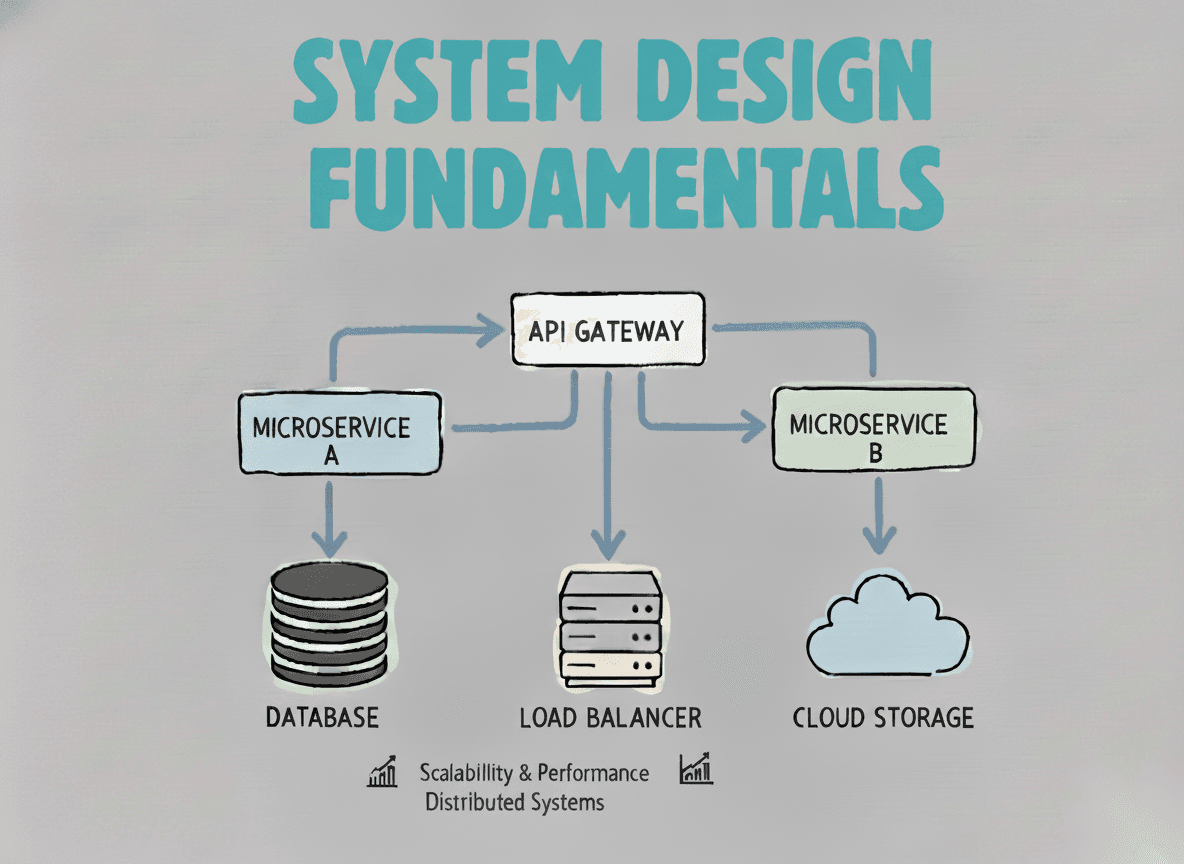
System Design Fundamentals
Build a strong foundation in designing scalable, reliable distributed systems.
View the courseSystem Design practice on Codemia
Work through 120+ system design problems with detailed solutions, from rate limiters to multi-region storage.