Rendered manifests contain a resource that already exists. Could not get information about the resource resource name may not be empty
System Design practice on Codemia
Work through 120+ system design problems with detailed solutions, from rate limiters to multi-region storage.
In the realm of Kubernetes, encountering errors while deploying resources is not uncommon. One cryptic error message that administrators might face is: "Rendered manifests contain a resource that already exists. Could not get information about the resource: resource name may not be empty." This error can thwart deployment efforts, and understanding its root cause is essential for effective troubleshooting.
Understanding the Error
In Kubernetes, resources are fundamental building blocks—these include Pods, Services, Deployments, etc. These resources are typically defined in manifest files in YAML or JSON format. The error mentioned emerges from two primary underlying issues:
- Duplicate Resource Definition: Kubernetes manifests, when deployed via tools like `kubectl` or Helm, might include multiple resources with identical names attempting to occupy the same namespace.
- Empty or Missing Resource Name: Kubernetes mandates that resource definitions include a `metadata.name` field. If this name is missing or rendered empty due to templating issues, the system cannot resolve to any resource, triggering the error.
Technical Explanation
Let's break down a typical scenario that can lead to this error. Consider a Kubernetes configuration file:
- port: 80
- name: my-container
- containerPort: 8080
- Ensure Unique Resource Definitions:
- Double-check manifest files to ensure that all resource names are unique within a given namespace.
- Use tools like Helm to template names, appending release names or hashes as postfixes to resolve conflicts.
- Include Mandatory Metadata Fields:
- Every resource definition must include a non-empty `metadata.name`.
- Template Carefully With Helm:
- Helm uses templates to define Kubernetes resources. Ensure Helm template values are populated correctly, particularly in the `name` fields.
- name: my-container
- containerPort: 8080
- Namespace Considerations: Always specify namespaces explicitly to avoid deploying resources unintentionally to `default`.
- Use of Label Selectors: As good practice, ensure that label selectors are appropriately used to manage resources and avoid erratic behavior when scaling or updating.
- Version Control: Keep track of changes to manifest files with version control systems like Git, which can help identify when and how problematic changes were introduced.
Related reading
- Renew kubernetes pki after expired
- Replace contents of an item in a list using Kustomize
- Replication Controller VS Deployment in Kubernetes
- Requeue a kubernetes event in a non-blocking reconcile loop
- Replication factor 3 larger than available brokers 1 when starting the kafka
- Replication Issue in Sql Server 2008
- Required value must specify a volume type when statically provisioning PV
- Restart container within pod
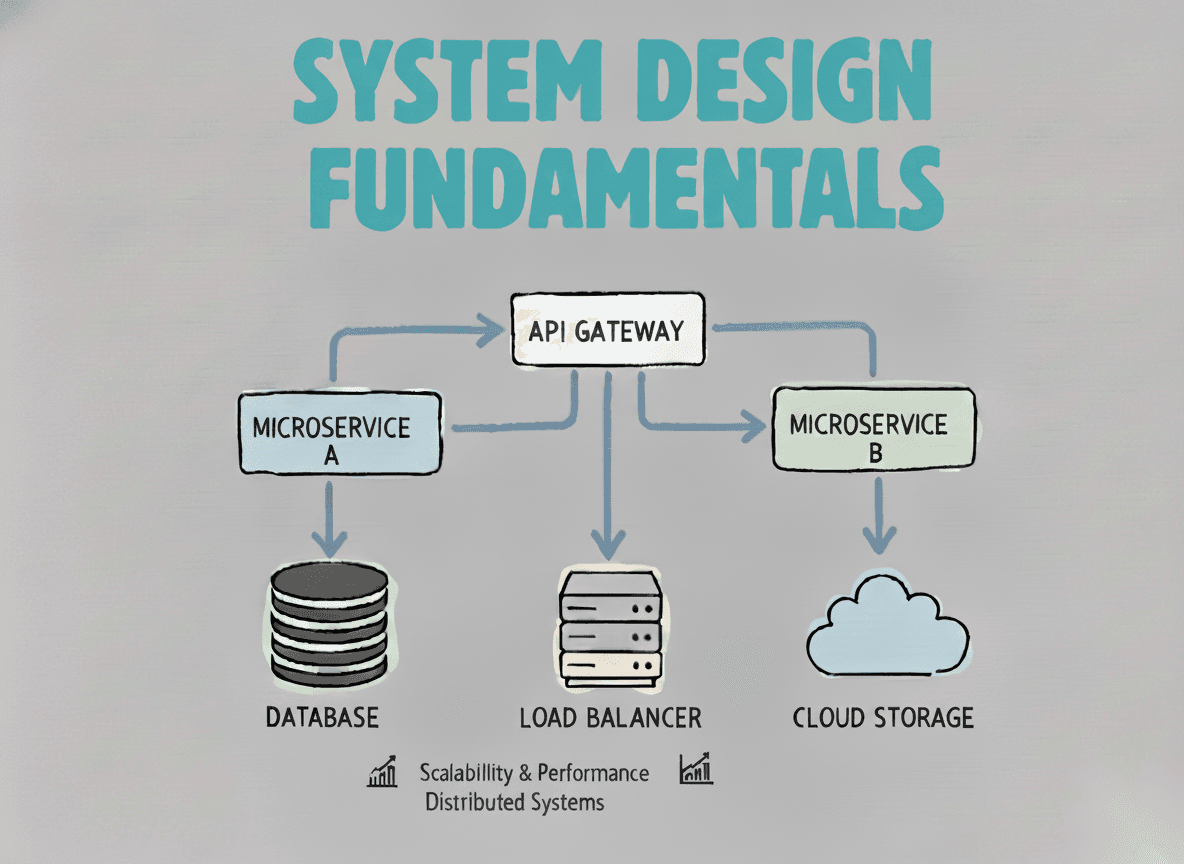
System Design Fundamentals
Build a strong foundation in designing scalable, reliable distributed systems.
View the courseSystem Design practice on Codemia
Work through 120+ system design problems with detailed solutions, from rate limiters to multi-region storage.