The model backing the Database context has changed since the database was created
System Design practice on Codemia
Work through 120+ system design problems with detailed solutions, from rate limiters to multi-region storage.
Introduction
This Entity Framework error means your code-first model no longer matches the schema that already exists in the database. In plain terms, you changed entities or mappings, but the database was not updated to reflect those changes.
The correct fix depends on the stage of the project. In development, you might recreate the database. In a real application with persistent data, the right answer is usually a migration.
Why the Error Appears
Entity Framework stores metadata about the model state used when the database was created. Later, when the application starts, EF compares the current model against what the database was built for.
You commonly trigger the mismatch by:
- adding, removing, or renaming entity properties
- changing relationships or table mappings
- altering column types or keys
- modifying the database manually outside of EF
Once the model and schema disagree, EF stops and tells you the database is out of sync.
The Best Fix in a Real Project: Migrations
If you want to keep the existing data, use migrations so the schema evolves with the model.
For classic Entity Framework code-first, the usual flow is:
What each command does:
- '
Enable-Migrationssets up migration support in the project' - '
Add-Migrationcreates a migration describing the model changes' - '
Update-Databaseapplies that migration to the database'
This is the normal production-friendly path because it changes the schema incrementally instead of deleting everything.
Development-Only Shortcut: Recreate the Database
If you are still early in development and the data can be discarded, recreating the database is often faster.
One way is to use a development initializer:
That tells EF to drop and rebuild the database whenever the model changes.
This is convenient for prototypes, but it is dangerous for real environments because it destroys existing data.
Another simple development option is to delete the local database manually, then let EF recreate it on the next run.
A Concrete Example
Suppose your original entity looked like this:
Later you add a new property:
The code model now expects a PhoneNumber column, but the database table does not have one yet. That mismatch is exactly the kind of change that triggers the error.
With migrations, EF can generate the schema update cleanly instead of failing at runtime.
Understand the Environment Before Choosing a Fix
A lot of frustration comes from applying the wrong fix in the wrong place.
Use migrations when:
- the database contains real data
- multiple developers or environments share the schema
- changes need to be versioned and reproducible
Use drop-and-recreate only when:
- it is a disposable development database
- losing the data is acceptable
- speed matters more than preserving history
The message itself is not the problem. It is a warning that your change process needs to be explicit.
Common Pitfalls
- Deleting a production or shared database just to get rid of the error.
- Changing the model and forgetting to create a migration.
- Editing the database manually and expecting EF metadata to remain consistent.
- Using
DropCreateDatabaseIfModelChangesin places where data must be preserved. - Treating the error as an EF bug instead of a synchronization issue between model and schema.
Summary
- The error means your Entity Framework model and database schema are no longer aligned.
- The safest long-term fix is usually a migration.
- Recreating the database is acceptable only for disposable development environments.
- Any entity or mapping change can trigger the mismatch if the schema is not updated.
- Solve the root cause by synchronizing model changes and database changes, not by just silencing the error.
Related reading
- The mysql extension is deprecated and will be removed in the future use mysqli or PDO instead
- the MySQL service on local computer started and then stopped
- The operation is not valid for the state of the transaction error and transaction scope
- The performance test of MySQL and TiDB by our DBA shows that a standalone TiDB is not as good in performance as MySQL
- The model item passed into the dictionary is of type ‘mvc.Models.ModelA’ but this dictionary requires a model item of type ‘mvc.Models.ModelB‘
- The modulo operator gives a different result for different .NET versions in C
- The remote end hung up unexpectedly while git cloning
- The shortest possible output from Git log, containing author and date
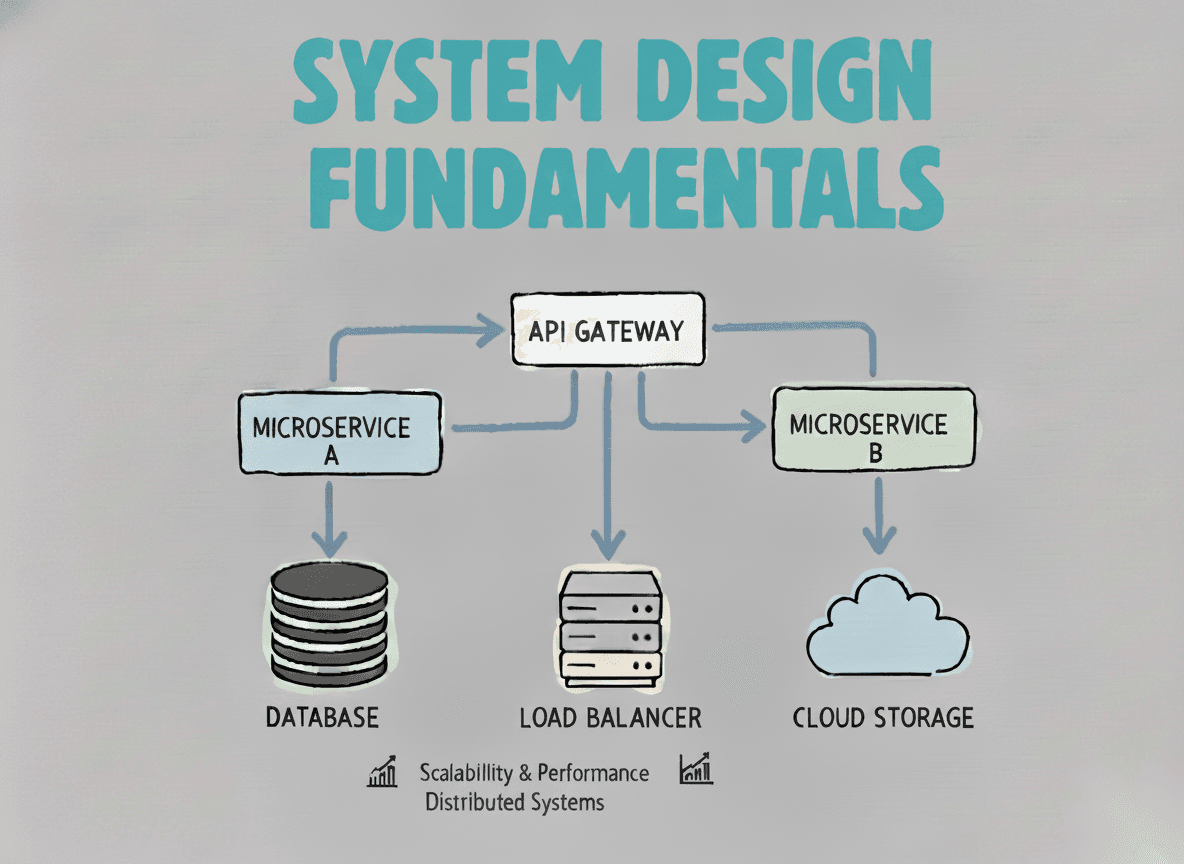
System Design Fundamentals
Build a strong foundation in designing scalable, reliable distributed systems.
View the courseSystem Design practice on Codemia
Work through 120+ system design problems with detailed solutions, from rate limiters to multi-region storage.