How do I run a container from the command line in Kubernetes like docker run?
System Design practice on Codemia
Work through 120+ system design problems with detailed solutions, from rate limiters to multi-region storage.
Introduction
Kubernetes does not have a perfect equivalent to docker run because it manages Pods and higher-level resources, not standalone local containers. The closest command-line match is kubectl run, which creates a Pod from an image and can optionally attach an interactive session.
The Closest Equivalent Is kubectl run
For a quick one-container Pod, kubectl run is the normal starting point.
That creates a Pod named nginx using the nginx image. The --restart=Never flag matters because it tells Kubernetes you want a plain Pod rather than a managed restart policy for a higher-level workload.
If you want an interactive shell similar to docker run -it, use a minimal image and attach standard input.
This is useful for quick troubleshooting, DNS checks, or testing outbound connectivity from inside the cluster.
Understand the Model Difference
With Docker, docker run starts one container on one machine. With Kubernetes, even a one-container Pod is still a cluster resource. The scheduler places it on a node, the API server stores its desired state, and the kubelet starts it.
That difference changes how you think about lifecycle.
- Use a Pod for quick ad hoc work.
- Use a Deployment for long-running stateless services.
- Use a Job or CronJob for finite tasks.
If you only need to generate YAML instead of creating the resource immediately, dry-run is useful.
That is often the best bridge between one-off experimentation and checked-in manifests.
Passing Commands and Arguments
You can override the image entrypoint or pass extra arguments much like Docker does.
The --command -- sequence tells kubectl that what follows should be treated as the container command rather than arguments to kubectl itself.
For temporary debugging on an existing workload, kubectl exec or kubectl debug may be better than creating a separate Pod.
When kubectl run Is Not Enough
A container that needs ports, environment variables, storage, probes, or multiple replicas quickly outgrows one-line commands. At that point, write a Pod or Deployment manifest.
The command line is convenient for ad hoc tasks, but manifests are the reliable way to describe repeatable workloads.
That is the real dividing line. kubectl run is excellent for experimentation and debugging, but once the command becomes hard to remember, it is usually time to promote it into checked-in YAML.
Common Pitfalls
- Expecting
kubectl runto behave exactly likedocker run, even though Kubernetes is creating cluster resources. - Forgetting
--restart=Neverfor one-off Pods and then being surprised by different controller behavior. - Using
kubectl runfor production workloads that really deserve a Deployment or Job manifest. - Confusing
kubectl runwithkubectl exec, which attaches to an existing Pod instead of creating a new one. - Overriding commands incorrectly because
--command --was omitted.
Summary
- '
kubectl runis the closest Kubernetes equivalent todocker runfor quick command-line launches.' - It creates a Pod, not a standalone container in the Docker sense.
- Use
-itand--restart=Neverfor temporary interactive sessions. - Use dry-run output when you want to turn an ad hoc command into YAML.
- Move to Deployments, Jobs, or manifests when the workload becomes persistent or repeatable.
Related reading
- How do I run curl command from within a Kubernetes pod
- How do I run private docker images on Google Container Engine
- How do I save kubectl logs to a file on my host machine?
- How do I scale up my cluster on Google Container Engine / Kubernetes?
- How do I run a docker instance from a DockerFile?
- How do I run Apache 2 on Alpine in Docker?
- How do I ssh into the VM for Minikube?
- How do I ssh to nodes in ACS Kubernetes cluster?
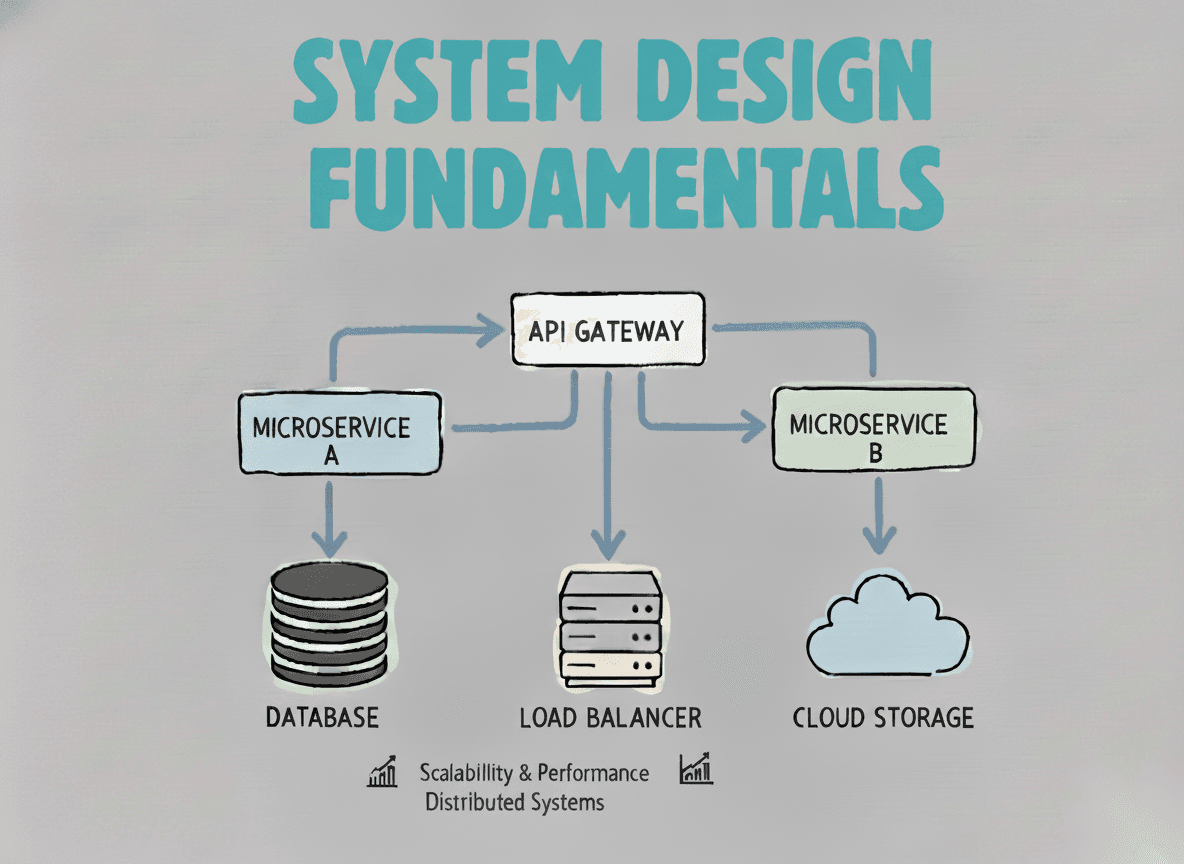
System Design Fundamentals
Build a strong foundation in designing scalable, reliable distributed systems.
View the courseSystem Design practice on Codemia
Work through 120+ system design problems with detailed solutions, from rate limiters to multi-region storage.