How to specify master and worker nodes when using one machine to run Kubernetes?
System Design practice on Codemia
Work through 120+ system design problems with detailed solutions, from rate limiters to multi-region storage.
When running Kubernetes on a single machine, often referred to as a "single-node cluster" setup, the master and worker nodes are typically co-located within the same instance. This scenario is commonly used for development, testing, or personal projects where a full multi-node Kubernetes cluster would be unnecessarily complex. In this guide, we'll explore how to configure master and worker nodes on a single machine using Kubernetes.
Technical Breakdown
Understanding Kubernetes Architecture
Before diving into the configuration, it is vital to understand the roles of master and worker nodes in a Kubernetes cluster:
- Master Node: The master node manages the Kubernetes cluster. It runs components such as the API server, scheduler, and controller-manager, which orchestrate the environment.
- Worker Node: The worker node is where application workloads run. Each worker node has a container runtime, kubelet, and kube-proxy.
In a single-node setup, you will configure your machine to perform the functions of both a master and a worker by installing the necessary services and components.
Tools Required
For this configuration, we can utilize several popular tools and distributions such as:
- Minikube: Ideal for local Kubernetes development on a single machine.
- Kind (Kubernetes in Docker): Uses Docker containers as nodes.
- MicroK8s: A lightweight, single-package Kubernetes distribution.
This article will demonstrate using Minikube due to its simplicity and widespread usage.
Installation Steps
- Install Minikube:First, ensure that you have a hypervisor (like VirtualBox or Docker) installed on your machine. Then, install Minikube:
- Resource Allocation: When running both roles on a single machine, be mindful of resource allocation. Ensure your machine has enough CPU and memory, especially for resource-intensive applications.
- Persistent Storage: Consider configuring persistent volumes if your applications require data persistence.
- Security: Even for development purposes, ensure your Kubernetes cluster is secure to prevent unauthorized access.
- Alternative Tools: Explore other tools like Kind or MicroK8s as alternatives for managing single-node Kubernetes environments.
- Scaling Considerations: Discuss how to transition from a single-node setup to a multi-node cluster for production environments, emphasizing learning and backup strategies.
- Understanding Limits: Discuss potential limitations of running Kubernetes on one machine, including lack of high availability and constrained performance.
Related reading
- How to specify Proxy Pass in kubernetes
- How to specify static IP address for Kubernetes load balancer?
- How to SSH into a Kubernetes Node or Server
- How to SSH to docker container in kubernetes cluster?
- How to start a pod in command line without deployment in kubernetes?
- How to stop all containers when one container stops with docker-compose?
- How to stop all external traffic and allow only inter pod network call within namespace using network policy?
- How to stop Docker and Kubernetes using Docker desktop?
System design interview problems on this topic
- Design a Container Orchestration System: solution and walkthrough
- Design a Code Deployment System: solution and walkthrough
- Design a Task Scheduler: solution and walkthrough
- Design a GPU Cluster Scheduler for ML Training: solution and walkthrough
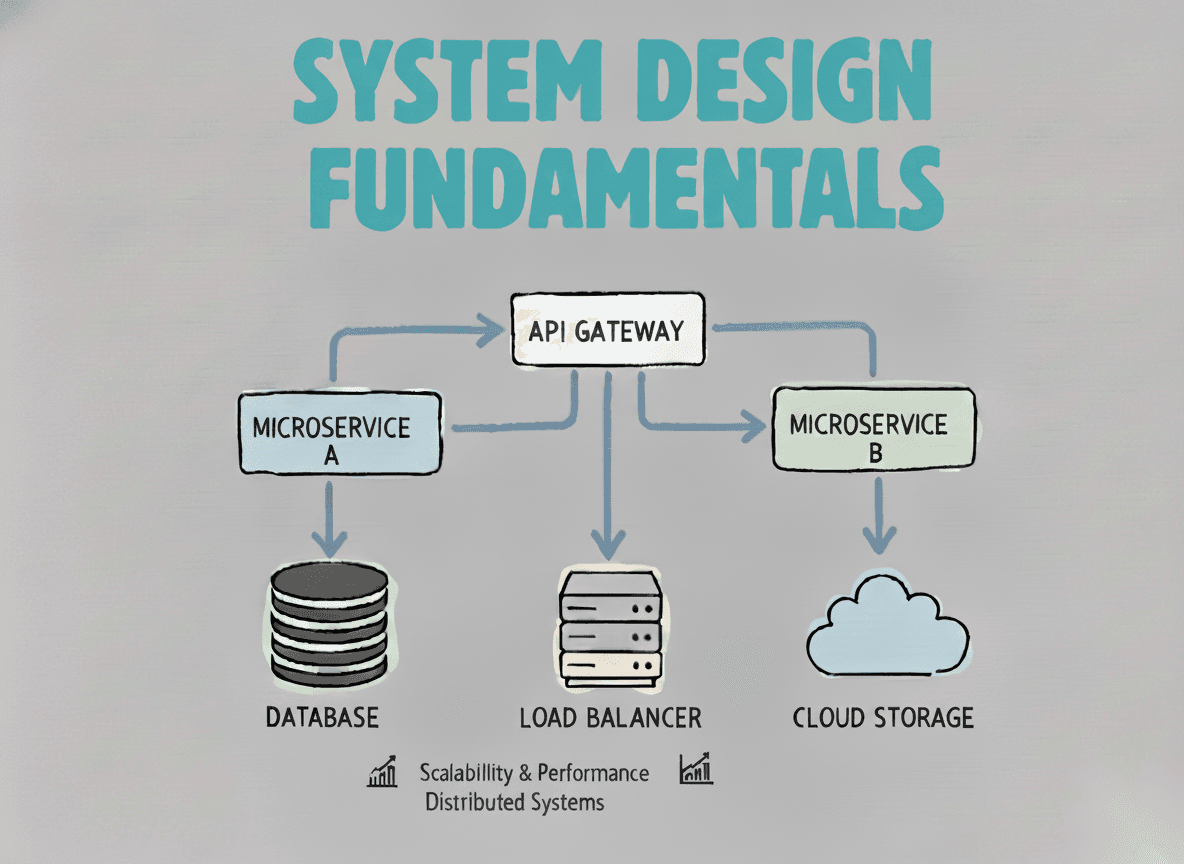
System Design Fundamentals
Build a strong foundation in designing scalable, reliable distributed systems.
View the courseSystem Design practice on Codemia
Work through 120+ system design problems with detailed solutions, from rate limiters to multi-region storage.