Pushing to Git returning Error Code 403 fatal HTTP request failed
System Design practice on Codemia
Work through 120+ system design problems with detailed solutions, from rate limiters to multi-region storage.
Introduction
A Git push that fails with HTTP 403 means the server understood your request but refused to let you write to the remote repository. In practice, that usually comes down to one of three problems: the wrong credentials, the wrong remote URL, or missing write permission on the repository.
Check the remote URL first
Start by confirming where origin actually points:
If the URL is HTTPS, a typical remote looks like this:
Make sure you are pushing to the repository you expect. A common mistake is cloning a public upstream repository and then trying to push directly to it even though you only have access to your fork.
If you meant to push to your fork, fix the remote:
That alone resolves many 403 errors.
Fix authentication for HTTPS remotes
If the remote URL is correct, the next thing to check is authentication. For HTTPS remotes, most hosting providers expect a personal access token or another non-password credential rather than an account password.
If you have an old credential cached, Git may keep resending it and getting rejected. One quick fix is to erase the stored credential and let Git prompt again:
If your system uses Git Credential Manager, the same idea applies: remove the stale credential, then retry the push and sign in again with the correct token.
You can also test whether the remote is reachable with your current auth flow:
If even that fails with 403, the problem is almost certainly credentials or permissions rather than the commits you are trying to push.
Switch to SSH if that matches your setup better
Some teams prefer SSH because it avoids repeated HTTPS credential prompts and token confusion. If you already have an SSH key configured with your Git host, switch the remote:
Before doing that, verify that your SSH key is actually loaded and registered with the host account you expect to use.
SSH will not fix missing repository permissions, but it does eliminate a large class of HTTPS authentication failures.
Confirm you really have write access
A 403 can also be completely valid: the server knows who you are and still refuses the push because you do not have permission.
Typical cases include:
- You cloned someone else's repository instead of your fork.
- You are a read-only member of an organization repository.
- A deploy token or machine user has clone access but not write access.
- Branch protection rules allow reading but reject direct pushes to the target branch.
If you can push to a feature branch but not to main, the issue may be branch protection rather than repository membership. In that case, the fix is not a new credential, it is using the expected pull request workflow.
Inspect the full error carefully
Git often prints more than just "403". For example, the host may say the token lacks the correct scope, SSO authorization is missing, or the branch is protected.
Run the push with verbose curl logging if the normal message is too vague:
That output is noisy, but it will usually show which URL Git hit and whether the server rejected the request before or after authentication.
Common Pitfalls
The most common mistake is pushing to the upstream repository URL instead of a fork URL. The clone succeeds because read access is public, but the push fails because write access is not.
Another frequent problem is an expired or revoked personal access token that is still cached locally. Git keeps reusing it until you clear the stored credential.
People also mix SSH and HTTPS configuration. If you created SSH keys but your remote still uses https://, Git will not use those keys for the push.
Finally, do not assume every 403 is an authentication bug. Protected branches, organization policies, and missing write roles can all produce the same status code.
Summary
- Check
git remote -vfirst and make sure you are pushing to the correct repository. - Refresh cached HTTPS credentials and use a valid token when required.
- Switch to SSH if your team already uses SSH-based authentication.
- Verify that your account actually has write permission on the repository and branch.
- Use
GIT_TRACEandGIT_CURL_VERBOSEwhen the normal error message is too vague.
Related reading
- Python Asynchronous Reverse DNS Lookups
- python asyncio httpx
- Python db-api fetchone vs fetchmany vs fetchall
- Python FastAPI building a single-threaded queue of jobs after API call
- Putting Git hooks into a repository
- Python not working in the command line of git bash
- PuTTYgen doesn't give me the option for SSH-2 RSA
- Pybrain neural network _convertToOneOfMany error
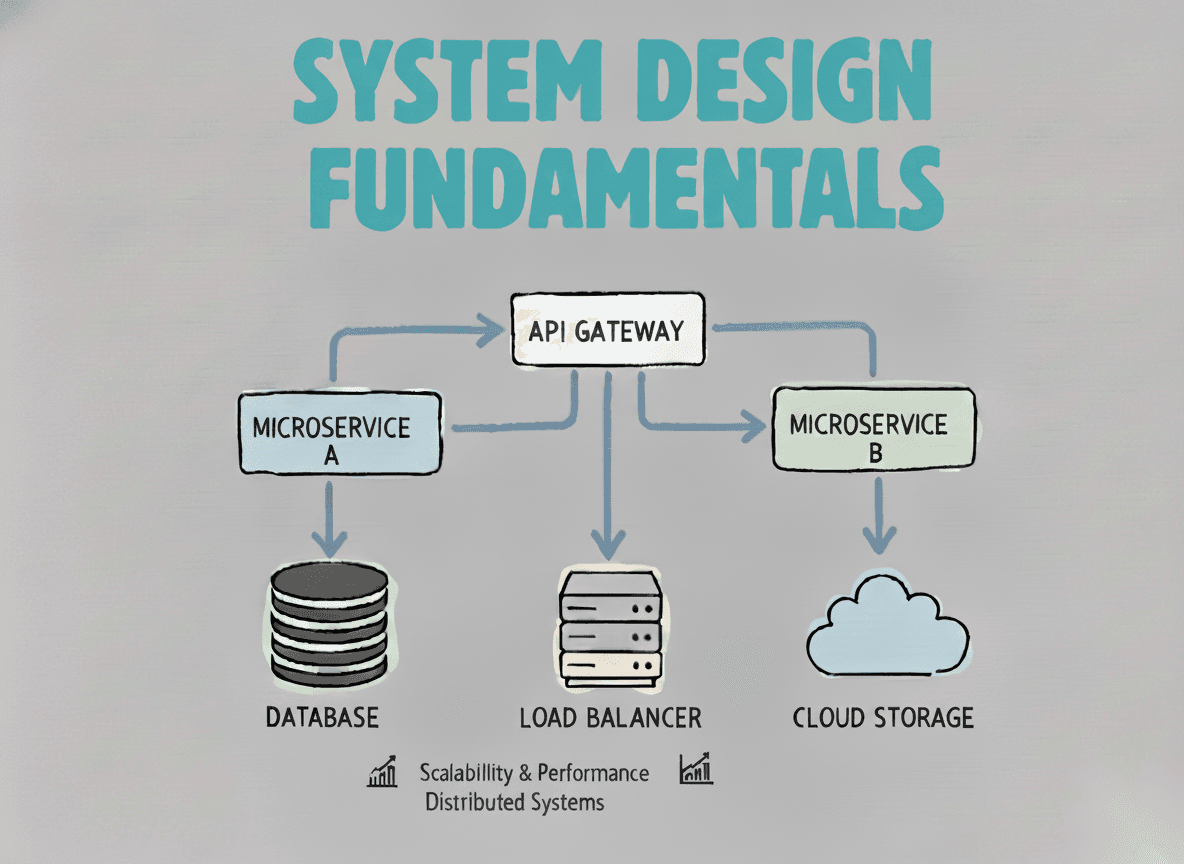
System Design Fundamentals
Build a strong foundation in designing scalable, reliable distributed systems.
View the courseSystem Design practice on Codemia
Work through 120+ system design problems with detailed solutions, from rate limiters to multi-region storage.